Choosing a Country Counter App for a Lifetime of Travel
Choose a country counter app that fits your travels. Compare maps, trip records, privacy, offline access and exports before building your own collection.
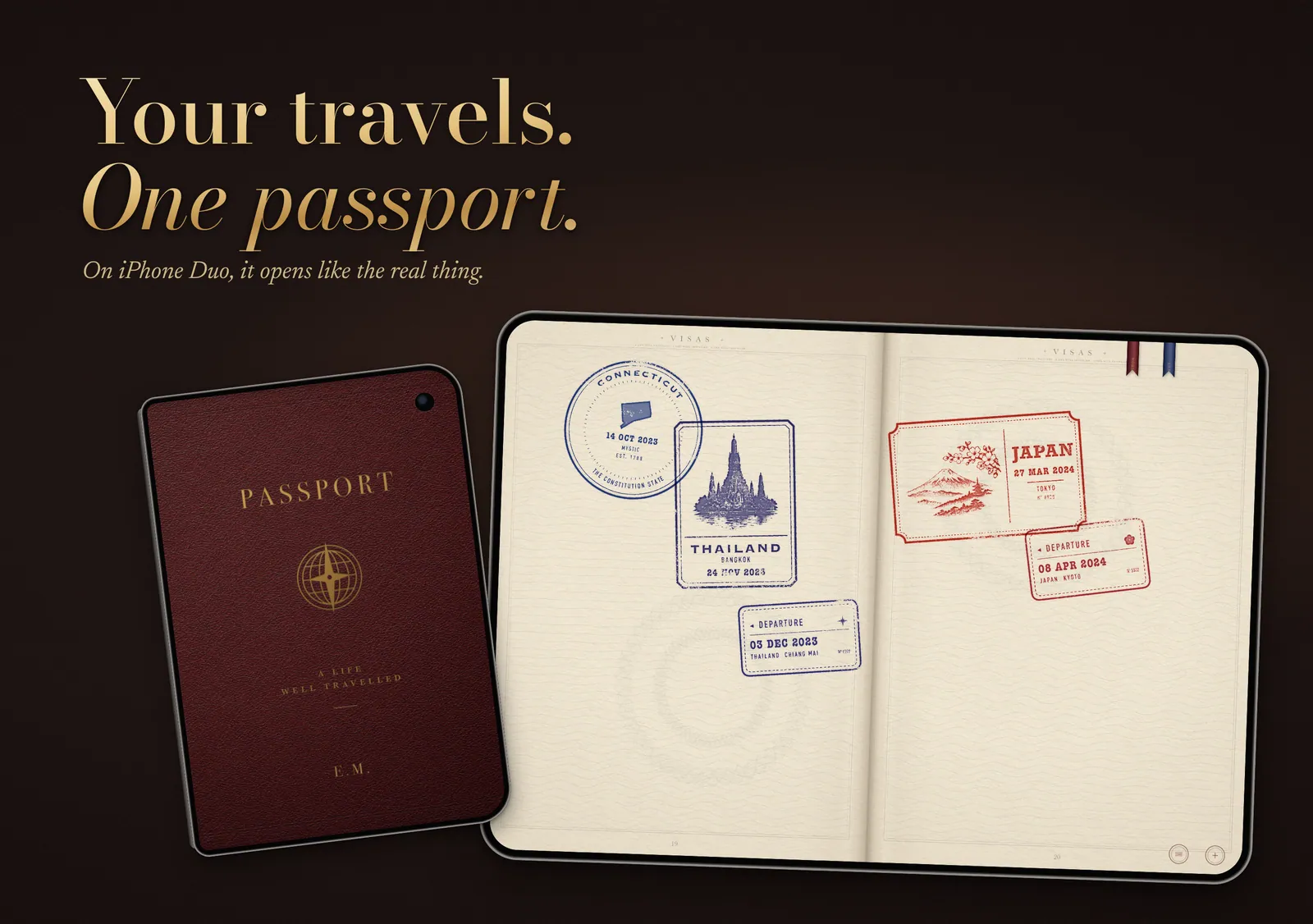
Choose a country counter app by deciding what you want to save: a list of countries, individual visits, or a fuller journal with photos and notes. Then check the country list, free features, privacy settings, offline behavior and export options. The best app for you is the one that records your travels at the right level of detail and lets you keep that record safely.
Try one question before comparing screenshots: if you returned to the same country next year, what would you want to add?
If the answer is nothing, a simple counter may be enough. If you want a new date, a photograph and the name of the person you traveled with, you need something that can remember a second visit.
A country count and a trip record do different jobs
A basic country counter stores a set of places you've visited and calculates a total. Many also show those places on a world map. For someone who wants a quick answer to “How many countries have I visited?”, that can be entirely sufficient.
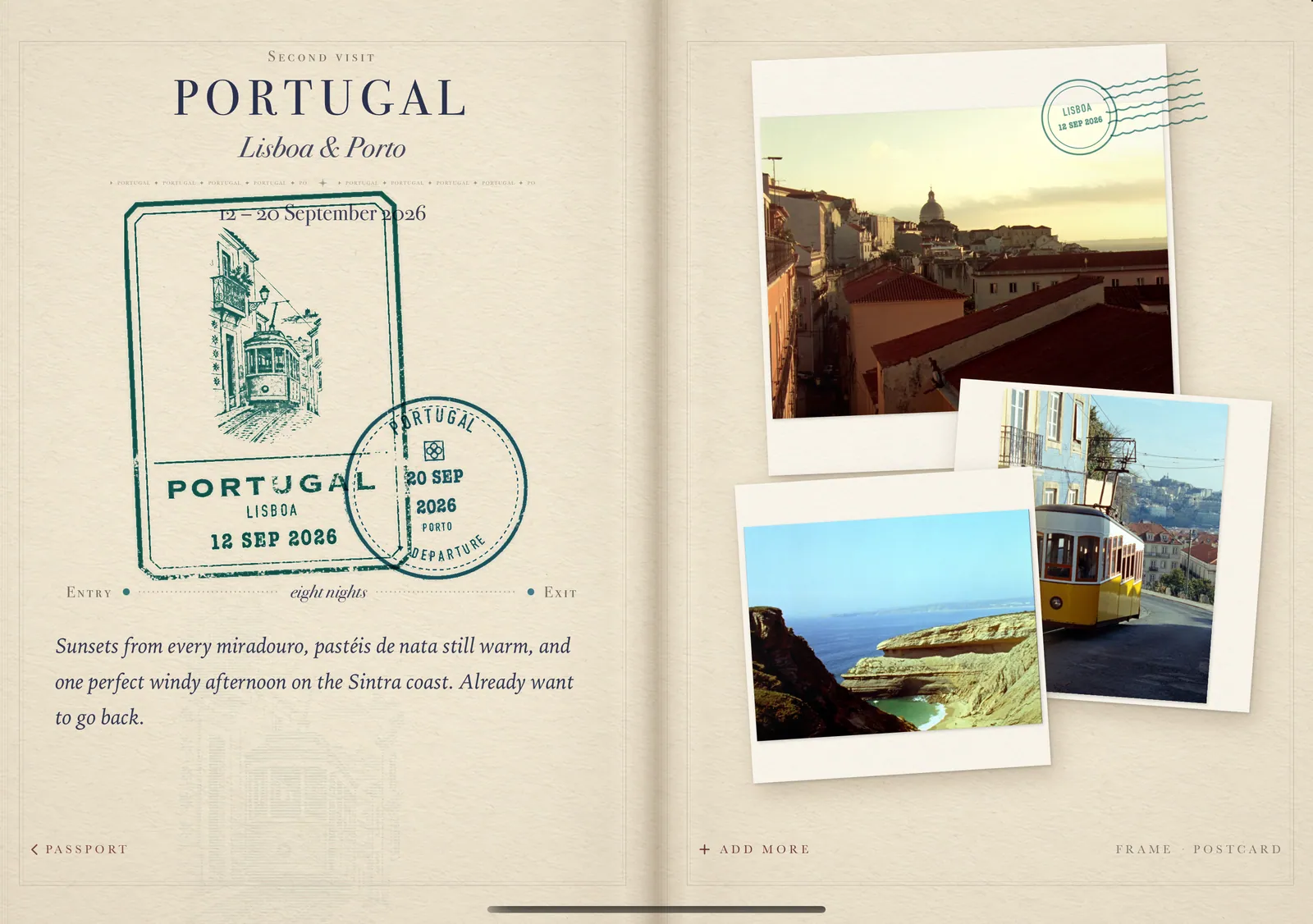
A trip record stores separate journeys or visits. Portugal in 2018 and Portugal in 2025 can have their own dates and details, even though the country total stays the same. Check whether an app actually saves both entries or merely changes a “last visited” date.
Route tracking is another job again. It can record how you moved between places during a journey. That may suit someone traveling overland for months; it may be unnecessary if you simply want a personal collection of past holidays.
The term “travel tracker app” covers all these approaches. Look at what an app stores, rather than assuming the category name tells you.
Choose the view that makes sense to you
Maps show the shape of your travels
A visited countries map app gives you an immediate overview. Look for readable labels, small destinations you can select without frustration, and a clear distinction between visited places and future plans.
Check the list behind the map too. Apps may count territories and other destinations differently, so two apps can produce different totals from the same history. Ask whether the app explains its classification and separates countries from regions. A percentage is only meaningful when you know what the total includes.
Lists make the collection easy to check
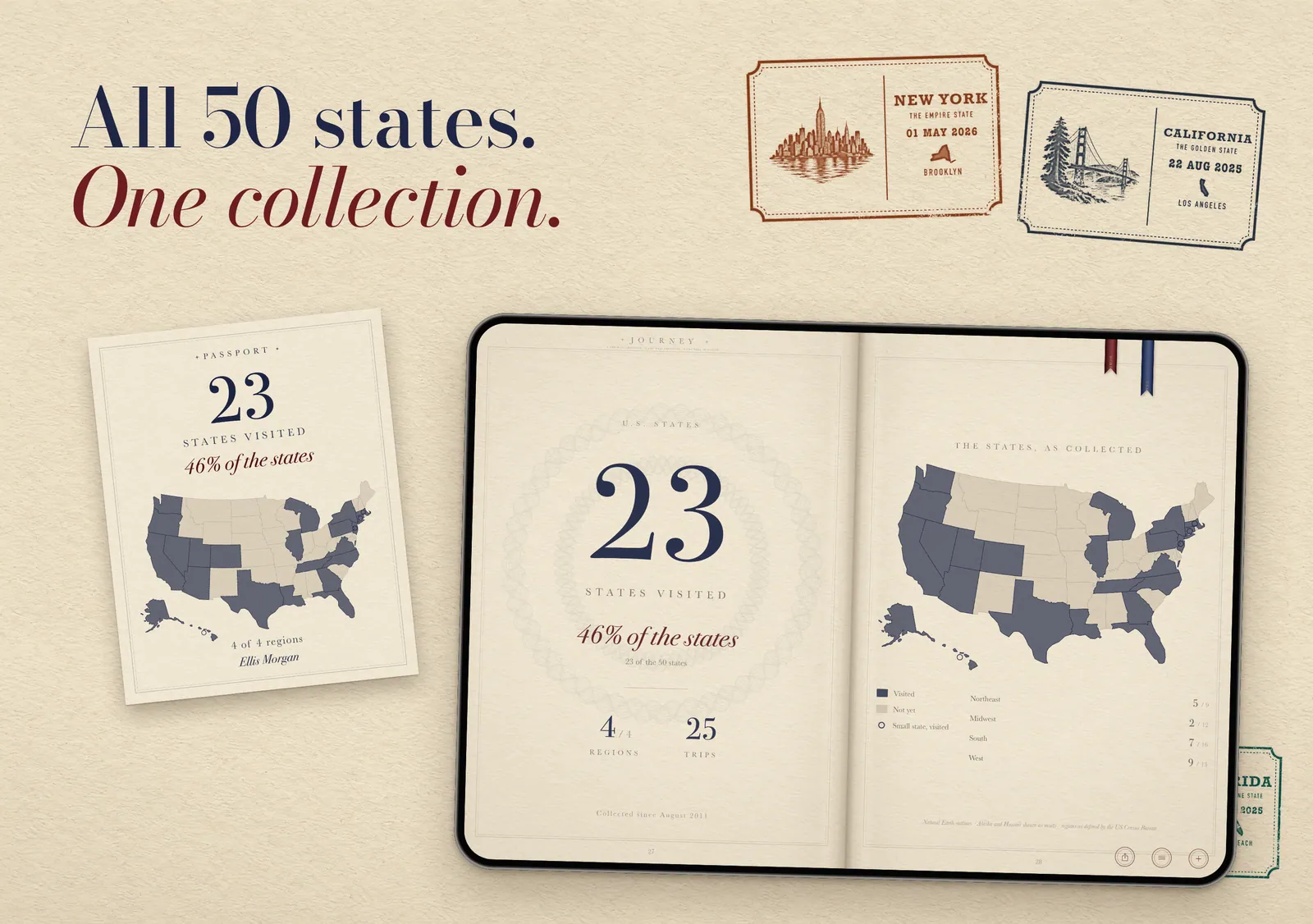
A country list is useful for searching, correcting entries and finding omissions. It should be easy to reach without navigating a globe every time. If you travel mainly within one large country, look for state or regional tracking as well. Those details may matter more to you than the world total.
Passport pages give each visit a place
A stamp-based digital passport app makes collecting part of the experience. The important question is what sits behind the artwork. Can you return to a stamp and find the date, photos or notes that belong to that visit?
Here, “digital passport” means a personal travel journal. It is separate from an official passport, digital identity credential or border-control service.
Four apps that illustrate the available approaches
Editorial note: PASSPORT is our upcoming app. We reviewed the publishers' current feature documentation for this guide on 14 October 2026.
| App | Documented approach | What to check for your own use |
|---|---|---|
| been, by VINCI APPS | Country and US-state tracking, optional visit dates, lists, a world map and sharing. Its listing distinguishes premium features such as additional regions and cities. | Whether the way it handles dates and returns gives you the history you want. Confirm the developer: several apps use similar names. |
| Skratch | Maps of visited countries, destination wish lists, places and trip timelines. Its memory feature supports photos and videos associated with countries. | How its maps, timeline and memory tools fit together, and which features are included in your chosen plan. |
| Visited | Visited, wished-for and lived-in destinations, travel lists and statistics. Its site identifies city and regional maps and itineraries among its paid features. | Whether its destination lists and planning tools are useful to you, alongside recording past travel. |
| Polarsteps | Trip and route recording, with steps containing photos and text. Its help center documents offline functions, data exports and trip visibility. | Whether you want to document a route and share a trip as it unfolds, rather than only maintain a country collection. |
These examples show why a universal “best country counter app” is difficult to defend. A clean map, a destination wish list and a detailed route journal solve different problems. A longer feature list doesn't necessarily make your daily record easier to keep.
Check how memories attach to visits
Imagine two returns to the same place: a family holiday and, years later, a visit alone. Can the app keep their photographs separate? Can you correct a date without losing a note? Can you find the second journey without scrolling through everything you've ever uploaded?
Photos and notes are most useful when they belong to the right visit. Otherwise, a country page can gradually become a drawer of unrelated pictures.
If you are entering historical trips, check how approximate dates work. Some memories have a reliable year but no reliable day. An app should make that uncertainty manageable rather than encourage you to invent precision. If rebuilding the history itself is your first task, start with our guide to tracking countries you've visited.
Look beyond the phrase “works offline”
Offline access can mean several things: viewing a map already stored on the phone, reading existing entries, adding new notes, attaching photos, or recording a route. Ask which of those functions work, and what must happen when you reconnect.
Polarsteps, for example, documents offline route tracking and editing of trips and steps, while adding new spots and activities requires internet access. Its guidance also says route tracking requires the phone not to be in airplane mode. That specificity is more useful than a general offline promise.
For any app you are considering, try reading an existing entry and adding a manual note without a connection. Reconnect and check that the change remains. If automatic route recording matters to you, follow that app's documented phone and permission requirements separately.
Sharing is different from exporting your records
A map image is useful for sending to a friend. It may contain none of your visit dates, notes or original photographs.
Look for an export that includes the information you care about. Ask what format it uses and whether you can open it independently. Polarsteps describes a downloadable data archive containing photos and machine-readable trip and location records. That provides a copy; it doesn't promise easy import into another app.
Backup, device syncing and export also serve different purposes. Find out what happens if you lose your phone or close your account. If the answers are unclear, keep a separate copy of important dates and memories while you evaluate the app.
Read privacy settings as carefully as the map
A manual checklist and an automatically recorded route need different access to your phone. Check which permissions the app requests, why it needs them, and whether you can use the features you want without granting broader access.
Also check who can see your entries. An account's privacy setting may differ from a particular trip's visibility. Polarsteps' privacy guidance explains separate account and trip controls, including private, follower and public options. A shared trip link can also grant access, depending on the setting.
Before adding personal photographs or detailed locations, look for clear information about storage, deletion and account closure. App-store privacy labels are a starting point, not a substitute for reading the developer's policy.
Understand what “free” will let you keep
Free to download doesn't tell you whether repeat visits, photos, regional maps or exports cost extra. Identify your essential tasks, then check whether they are free, limited, paid once or included in a subscription. Confirm current terms in your own storefront; prices and packages can change.
A traveler who only wants a country total may be content with a basic free map. A frequent return visitor should prioritize separate entries and dates. A long-distance traveler may value route recording and offline writing. A family archivist may care most about photographs, notes and keeping an independent copy.
Pay for the functions that serve your record. There is little value in maintaining a subscription for features you never open.
Where PASSPORT fits
PASSPORT is being prepared for launch as a collectible travel journal for iPhone. It brings country stamps, all fifty US states, visit dates, photos and personal notes into a physical-feeling digital passport, alongside a world map and travel statistics. Repeat visits and historical trips are part of that record; Journey summaries offer a way to share it.
Its essential travel-recording functionality is free, with optional collectible covers. It is intended for someone who enjoys keeping the record itself: opening a page, seeing a stamp and remembering the visit behind it.
Before choosing it for requirements such as offline use, exports or backups, confirm those details in its launch documentation. A tactile journal still needs to meet your practical needs.
Try three visits before entering a lifetime
Use one recent trip, one return to the same country and one older visit with an uncertain date. Add a photograph and a note, correct something, inspect the sharing controls, and look for a way to keep a copy outside the app.
This small exercise will tell you more than entering twenty country names. If the app handles those visits comfortably, you have a sensible basis for choosing it. If it loses distinctions that matter to you, keep looking.
For memories scattered across old booklets, our guide to preserving passport stamps through renewal offers a place to start.
Explore PASSPORT if you'd like your travel record to feel like a collection you can open, rather than a total you can quote.